
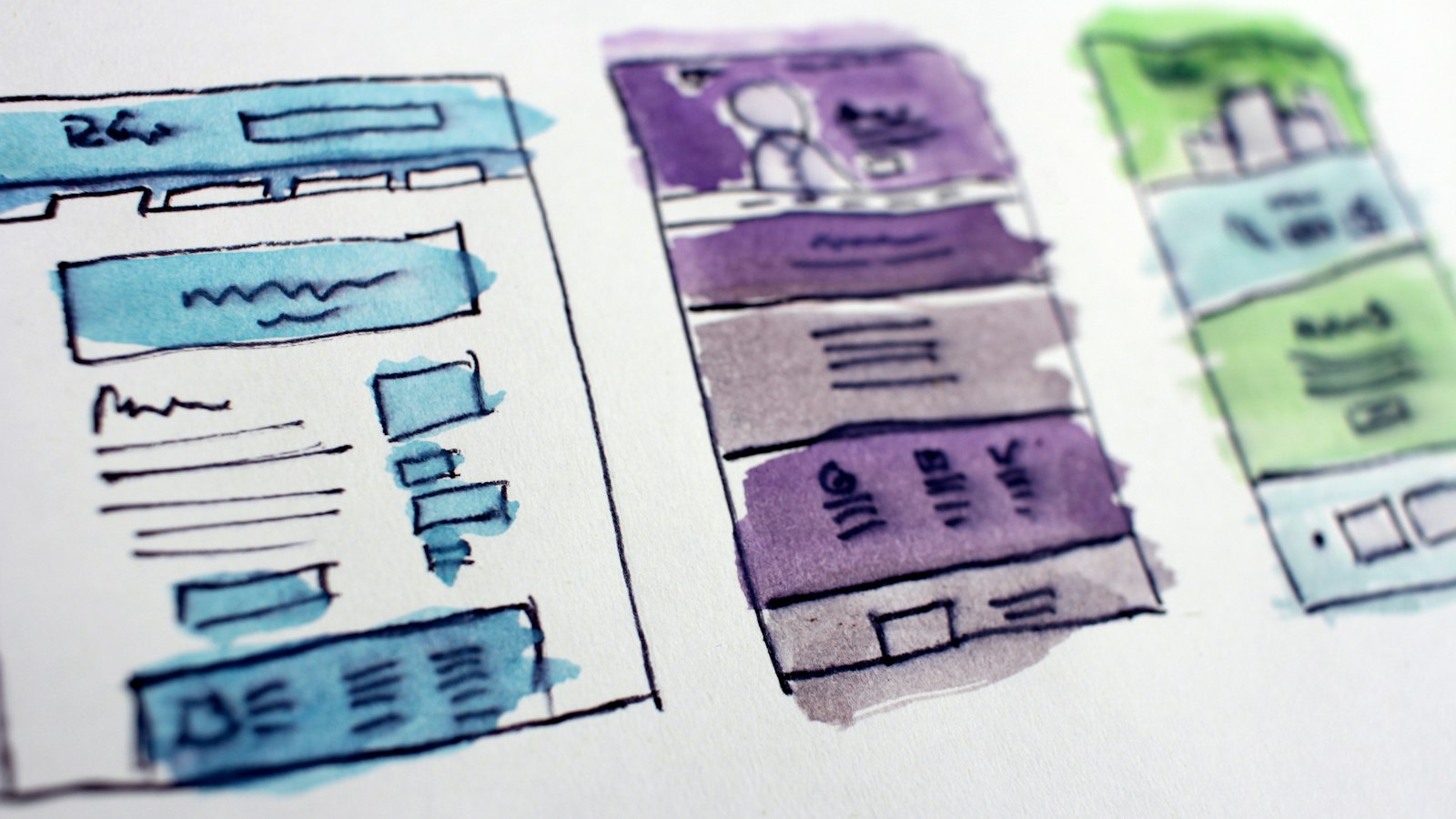
A website requirements document lists what a website must do and the conditions it must meet, in enough detail that a designer or developer can build it and you can check the result. It turns the intentions of a project brief into specific, testable statements. This page provides a template sized for small projects and shows how to write requirements that leave little room for misunderstanding.
Brief or requirements document?
- The project brief explains why the site is being built, for whom and within what budget. See the Website Project Brief Template.
- The requirements document specifies what the finished site will contain and do.
For a small site, the two can be one document with two parts. For anything with a shop, bookings, integrations or several languages, keep them separate.
The template
WEBSITE REQUIREMENTS DOCUMENT

Project:                      Version:            Date:
Owner:                        Approved by:

1. PURPOSE AND GOALS
   (short summary, or reference to the project brief)

2. USERS AND THEIR MAIN TASKS
   User group:            Main tasks on the site:

3. SITE STRUCTURE
   List of pages / page types, with parent page and purpose

4. FUNCTIONAL REQUIREMENTS
   ID    Requirement                           Priority   Acceptance test
   F-01
   F-02

5. CONTENT REQUIREMENTS
   Content types and their fields
   Languages
   Who provides and who approves content

6. DESIGN REQUIREMENTS
   Brand assets, responsive behaviour, components needed

7. NON-FUNCTIONAL REQUIREMENTS
   Performance
   Accessibility
   Security
   Privacy and legal
   SEO
   Browser and device support

8. INTEGRATIONS
   System:        Purpose:        Data exchanged:        Owner of account:

9. ADMINISTRATION
   User roles and what each may do
   What the client must be able to edit without a developer

10. HOSTING AND TECHNICAL ENVIRONMENT
   Platform, hosting, domain, email sending, backups

11. MIGRATION
   Content to move, URL changes, redirects

12. LAUNCH AND ACCEPTANCE
   Acceptance criteria, sign-off process

13. MAINTENANCE AFTER LAUNCH
   Updates, backups, support, response times

14. OUT OF SCOPE

15. ASSUMPTIONS AND OPEN QUESTIONS
How to write a good requirement
A requirement should be specific, testable and concerned with what is needed, not how it is programmed.
- Vague: The site should have a good contact form.
- Clear: The contact page has a form with name, email and message fields. On submission, the visitor sees a confirmation message and the message is emailed to the office address. Submissions are protected against spam.
Give each requirement an ID so it can be referred to in discussions and quotes, and an acceptance test: the check that shows it is met.
Set priorities
Mark every functional requirement as one of:
- Must: the site cannot launch without it.
- Should: important, but launch is possible without it.
- Could: desirable if time and budget allow.
When the budget is tight, this is what lets you cut scope sensibly instead of cutting quality.
Example functional requirements
- F-01 (Must): Visitors can switch between English and German on every page and arrive on the equivalent page. Test: switch language on five different pages.
- F-02 (Must): The rooms page lists each room with photos, description, capacity and price range, editable by the owner. Test: owner changes a price and sees it on the site.
- F-03 (Should): Blog posts can be scheduled for a future date. Test: schedule a post and confirm it publishes at that time.
- F-04 (Could): Visitors can subscribe to a newsletter from the footer, with double opt-in.
Non-functional requirements deserve real numbers
These describe qualities, and they are where projects most often disappoint if left unstated.
- Performance: key pages meet the Core Web Vitals thresholds on mobile. See Website Performance Basics.
- Accessibility: the site conforms to WCAG 2.1 or 2.2 at level AA. A first check is described in How to Run a First Accessibility Check on a Website.
- Security: HTTPS everywhere, two-factor authentication for administrators, automatic backups stored off the server.
- Privacy and legal: a cookie consent mechanism where required, a privacy policy, the company details required in your country.
- SEO: editable titles and descriptions for every page, an XML sitemap, redirects from old addresses.
- Support: current versions of the major browsers on desktop and mobile.
Administration
State what you need to change yourself after launch: texts, images, prices, menu items, new pages. This single section strongly influences how the site should be built, and it is frequently forgotten.
Out of scope and assumptions
Write down what is not included and what you are assuming, for example that the client supplies all texts in both languages. Unstated assumptions are where disputes begin.
Keeping the document alive
- Number the versions and date them.
- When a requirement changes, update the document and note the effect on cost and time.
- Use the acceptance tests as your checklist before launch, together with the WordPress Launch Checklist.
Common mistakes
- Requirements that cannot be tested, such as modern or user-friendly.
- Describing a technical solution when the need is what matters.
- Everything marked as Must.
- No mention of who can edit what.
- Leaving out performance, accessibility and privacy.
- Agreeing changes verbally without updating the document.